
Do you have to move your heavy digital cutting machine every time you want to use it? I do, due to a current lack of space on my craft desk!
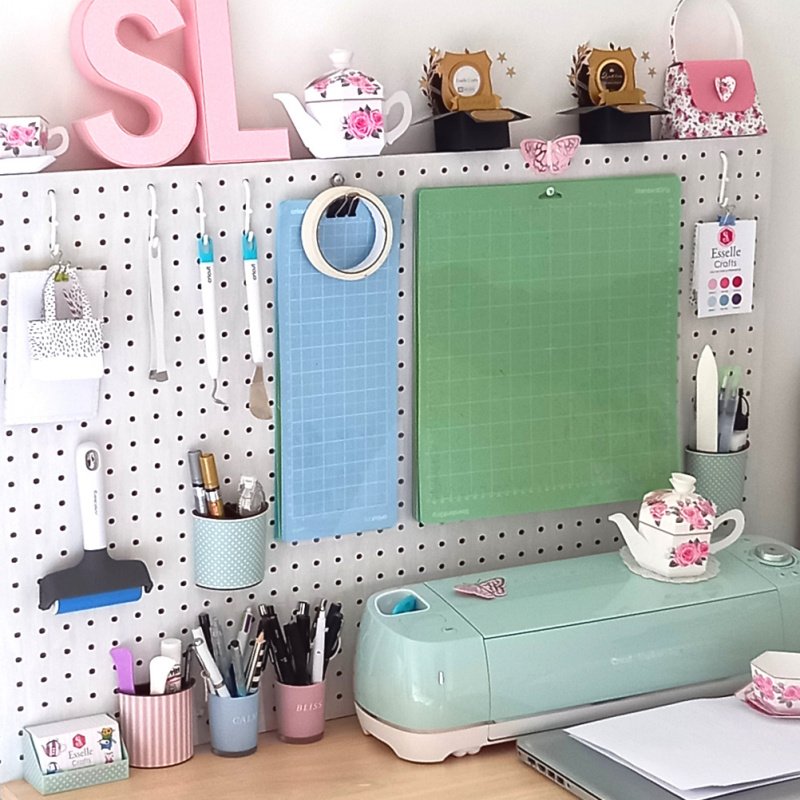
Up until now I’ve either had to pull my Cricut Explore forwards (not easy when it has rubber feet) or carefully lift it into position at the front of my desk so that there’s enough space behind it for the cutting mat to pass through without hitting my pegboard.
I then discovered these amazing mini caster wheels!

They come with little self adhesive sticky pads that easily peel off, so all I had to do was simply attach the wheels to the base of my Cricut machine, one in each corner.
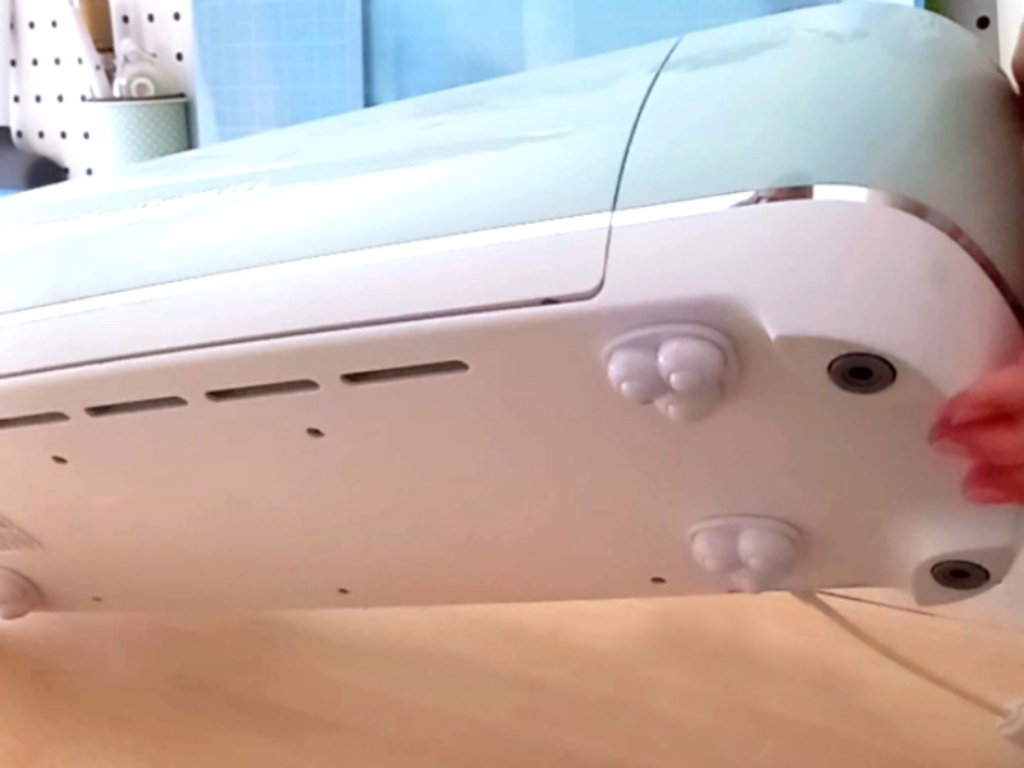
Now my Cricut glides effortlessly, forwards and backwards, and I know that it’s not going to get damaged whenever I move it. Not only that, but it can also rotate 360° if I want it to!
Have you tried these little casters or something similar for your cutting machine? They really are a game-changer for me!
Happy crafting
Suzanne
 Esselle Crafts